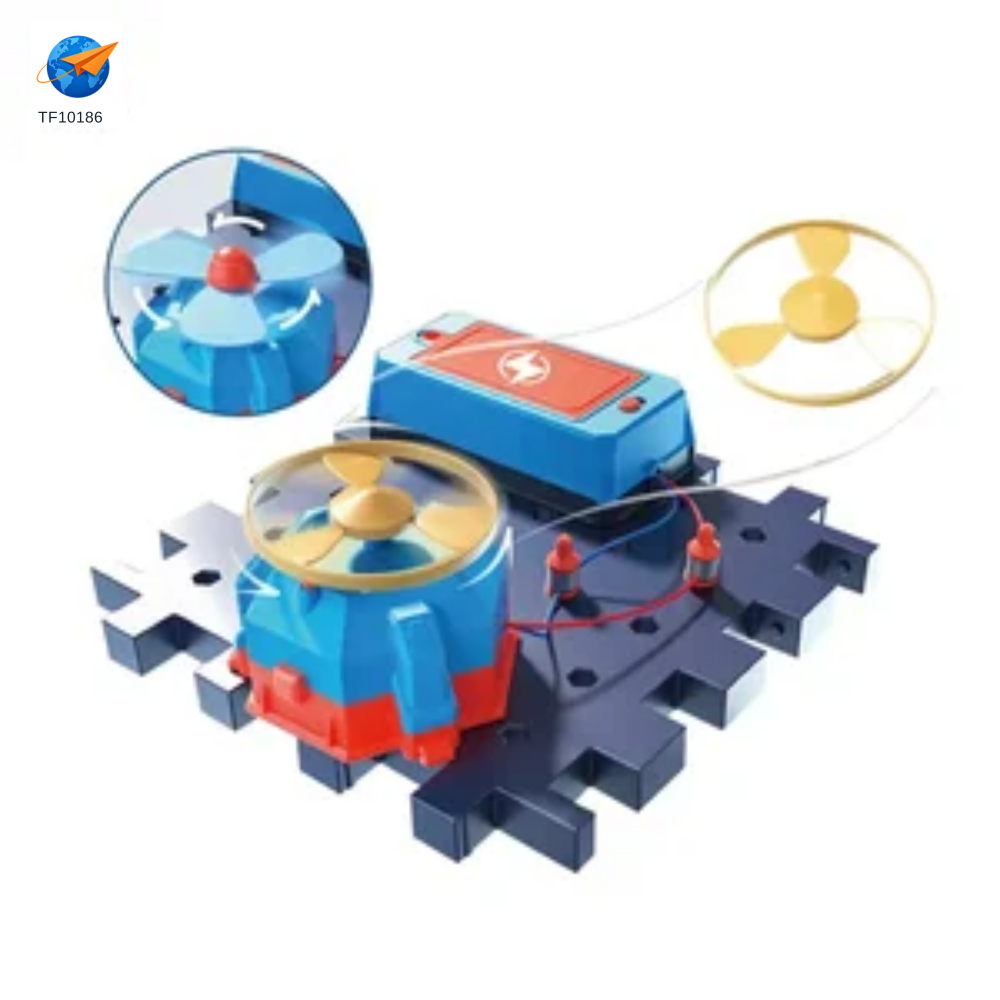
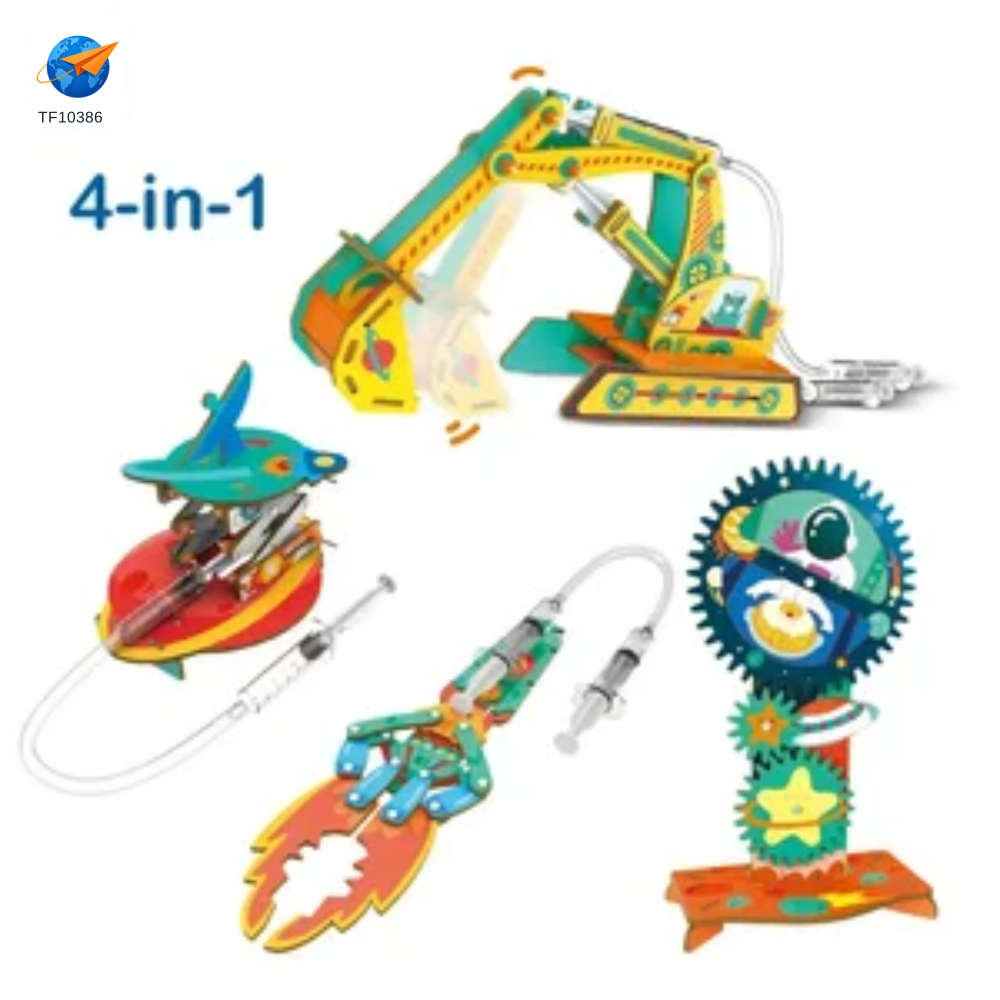
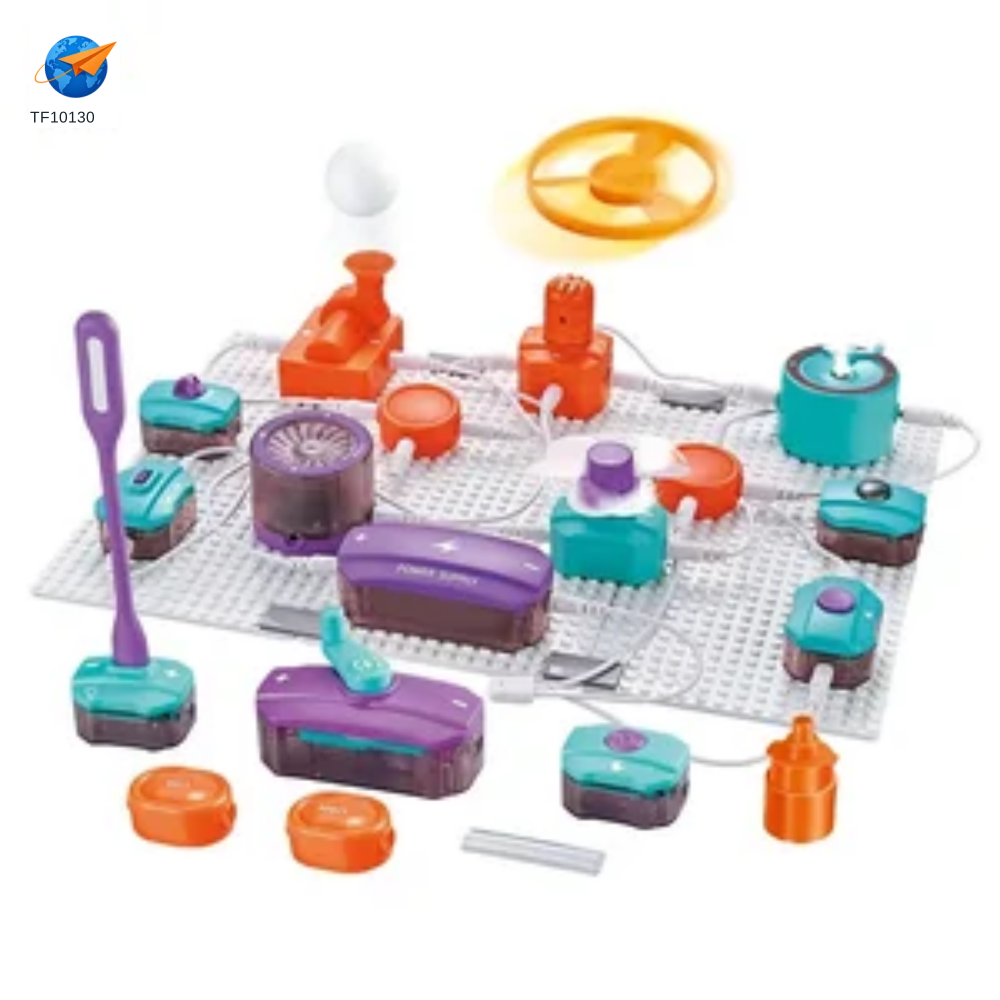
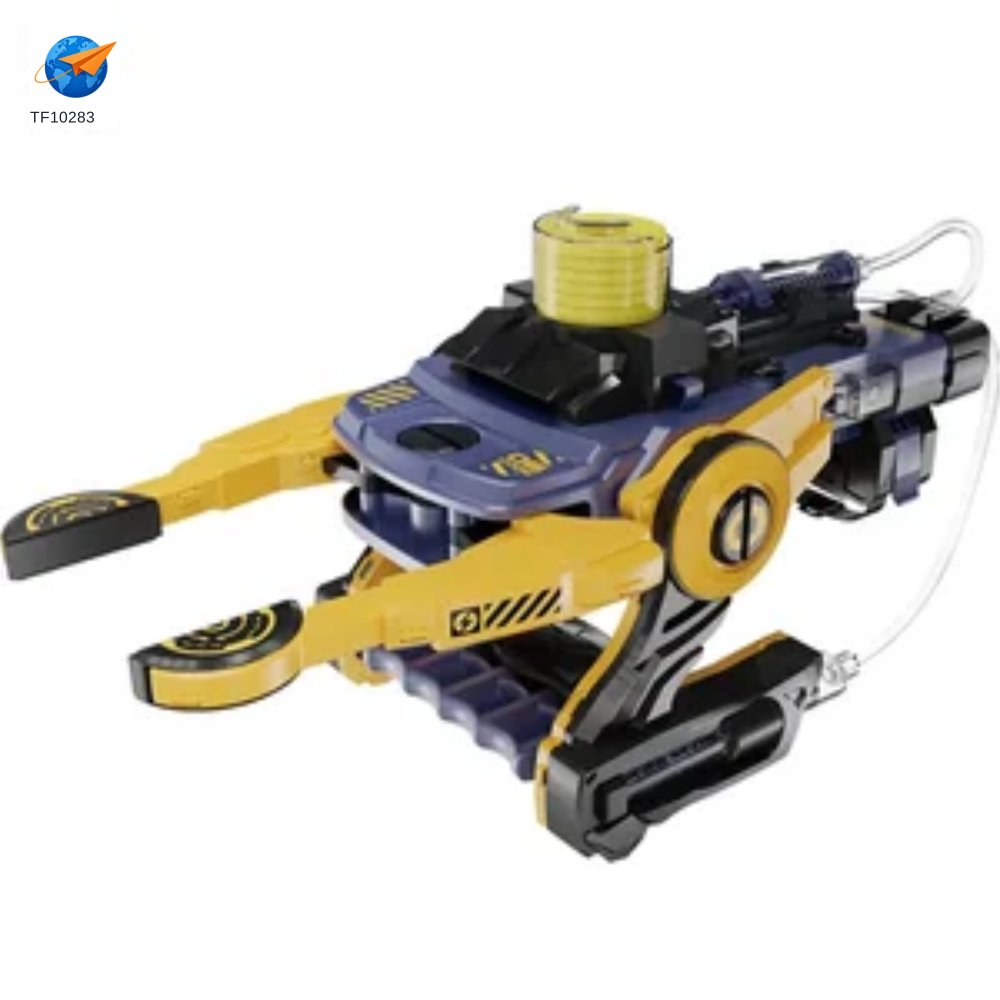
What does the TF10002 activity require beyond the contents of the box?+
Work through the supplied instructions and list any tools, power source or consumables that must be supplied separately. Approve the included parts and the intended activities together, rather than using an educational label as a substitute for a contents check.
How do I choose the right instruction language and difficulty?+
Trial the activity using the supplied manual, then agree the assessed age grade, supervision and local-language instructions. Any changes to the experiment, components or materials should be reviewed before approving the final pack.
What is the minimum wholesale order for TF10002?+
Standard wholesale orders start at three export cartons per SKU. The listed packing for TF10002 is 18 pieces per carton, so three cartons represent 54 pieces at this packing. Confirm the current packing and availability in your quotation; customised versions have separately quoted minimums.
How is TF10002 packed for a mixed-container order?+
The listing specifies color box packaging with a retail pack size of 41×30×8.5 cm. The listed carton quantity is 18 pcs. The outer carton measures 80×42.5×63 cm. Listed carton volume: 0.21 cbm / 7.56 cuft. Use these as the catalogue reference for a mixed order, then reconfirm the final packing, weights and production schedule before loading.
Can I request a sample and branded packaging for TF10002?+
Yes. Quote TF10002 and the version you need so we can discuss sample availability, sample and courier costs, and packaging changes. Send your artwork, required language and quantity. Colour, material, sound or tooling changes need a separate feasibility check and written approval.
Which age and market requirements should I check for TF10002?+
Ask for the assessed age grade and the applicable reports for TF10002, with the intended sales country and final materials confirmed. Check component list, experiment or assembly steps, power where relevant and the materials the user must provide. Documents shown in the company library apply only to the models and entities named in those files; they are not approval for every catalogue item.